Rarity-aware scanning at the till
Scan or search a card, then pick Common, Super, Ultra, Secret, Ultimate, Ghost, Starlight or Quarter Century before it reaches the basket. Staff cannot ring a Secret Rare through at Common money by accident.
Locals starts in twenty minutes, there are six people at the counter, and the person at the front has a shoebox of Secret Rares to sell. This is the till side of TCG Sync: rarity picked before the card reaches the basket, event entry taken and the player checked in from the same screen, trade-ins graded while the customer watches, and a drawer that balances at close.
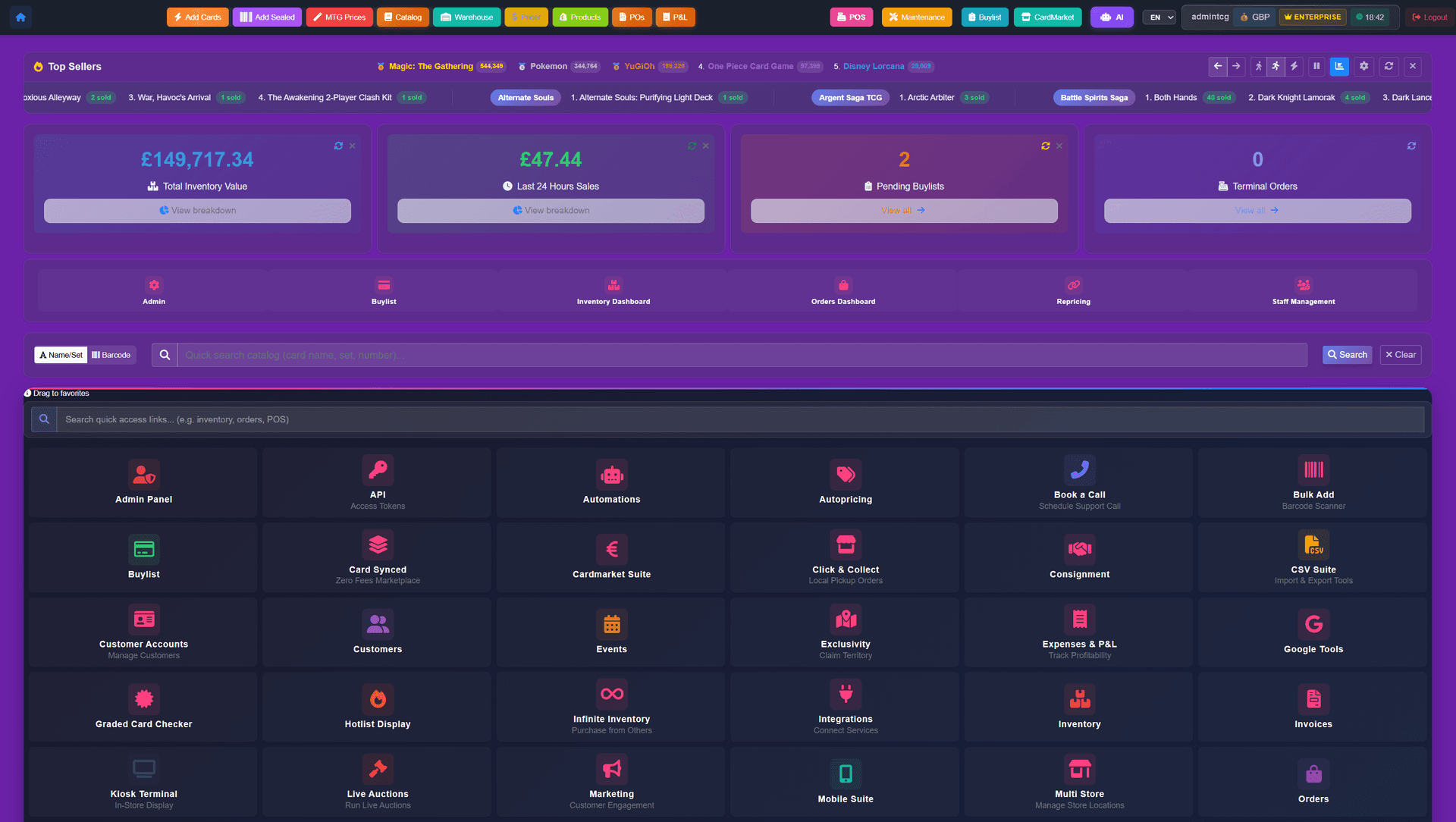
A Yu-Gi-Oh! till has to survive rarity confusion, an event queue, and a trade-in negotiation inside the same ten minutes. These are the counter workflows, not the website ones.
Scan or search a card, then pick Common, Super, Ultra, Secret, Ultimate, Ghost, Starlight or Quarter Century before it reaches the basket. Staff cannot ring a Secret Rare through at Common money by accident.
Sell entry, take the fee in cash, card or store credit, and check the player in from the same screen the till is on. Prize packs come out of the stock the counter already sells from.
Grade the stack in front of the customer, apply your rarity and condition rates, then pay cash from the drawer or push store credit onto their account. Accepted cards become sellable stock without a second data entry.
Part cash, part store credit, remainder on card, one receipt. Credit issued from this morning's trade-in can pay for tonight's entry fee without a manager override.
Cash tenders open the drawer, receipts print or email, and the close-down report lines up takings, refunds, credit issued and buylist payouts before the shutters come down.
Each till is signed into by the person using it, so overrides, refunds, discounts and accepted buylists carry a name. Permissions are set per role.
Rarity-aware scanning, event check-in, trade-ins paid from the drawer, and a till that balances at close. Opening a new shop or selling under about $1.5M a year in TCG? Storefront Pro is usually the right place to start — same software, no monthly fee.
Starting from$2,499USD per month
No setup fee and no sales percentage
Discuss Enterprise$1,000USD one-time setup
+ 2% of TCG singles and sealed sales across POS, Shopify and marketplaces — comics, board games, accessories, drinks, toys and other non-TCG items are excluded
Start with Storefront ProLet’s discuss itScoped around your business
Scope and pricing agreed together
Let’s discuss itEmail us about your store and we'll take it from there.
Related topics, running on the same platform underneath.
The ecommerce side: catalogue, singles listings, deckbuilder, online buylist and shipping.
OTS registration, Locals, stock mix and repricing cadence for a new shop.
How credit issued at the till behaves across the counter and the website.
The condition ladder staff grade against when taking a trade-in.