Discord and tickets
Ask in Discord or open a ticket at any hour, any day of the week.
TCG Sync support runs 24/7, 365 days a year, through Discord and a ticketing system, and we reply within 24 hours. During setup you also get a named onboarding contact. Support covers the real things that break a card shop day: sync, catalogue data, payments, credit, and staff workflow.
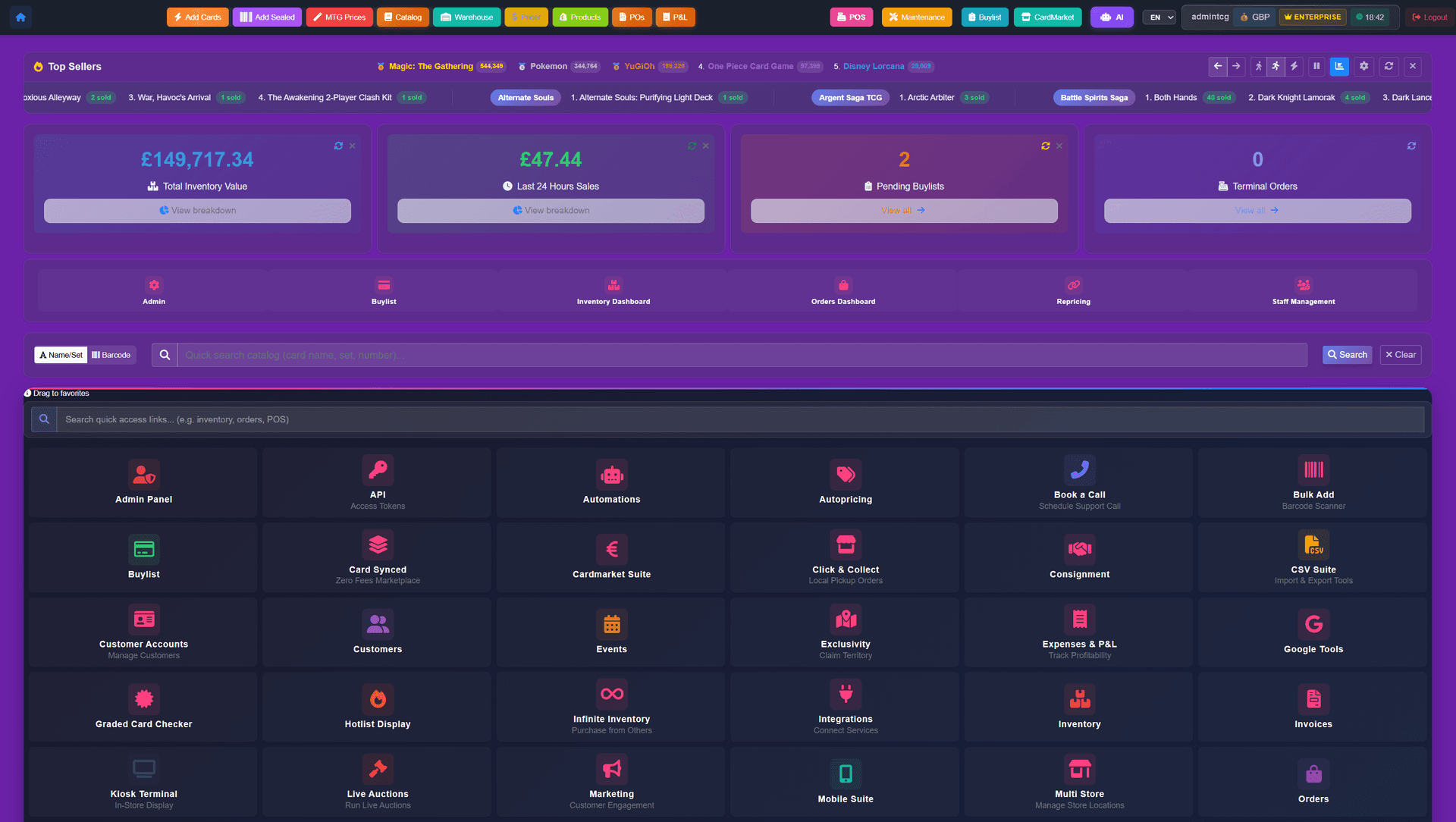
Ask in Discord or open a ticket for day-to-day help, any time, use email for account and billing questions, and lean on the onboarding contact during migration.
Ask in Discord or open a ticket at any hour, any day of the week.
Use omar@tcgsync.com for onboarding, account, billing, or migration questions that need a written trail.
During setup, stores know where to go for migration checks, data import, theme setup, training, and launch questions.
Support starts before launch: inventory, customers, orders, buylist records, and store credit balances are checked before the store depends on the new setup.
Ongoing support covers connector changes, sync failures, rejected listings, and API policy shifts where TCG Sync is the integration owner.
Card shops need set data, variants, finishes, rarities, and conditions kept current, so catalogue questions belong in the same support path as sync and inventory issues.
Onboarding is hands-on. This is what happens between kickoff and go-live.
Use the screenshots for a zero-commitment look, then email us about your shop — whether you're opening your first store or moving from another system.
Starting from$2,499USD per month
No setup fee and no sales percentage
Discuss Enterprise$1,000USD one-time setup
+ 2% of TCG singles and sealed sales across POS, Shopify and marketplaces — comics, board games, accessories, drinks, toys and other non-TCG items are excluded
Start with Storefront ProLet’s discuss itScoped around your business
Scope and pricing agreed together
Let’s discuss itEmail us about your store and we'll take it from there.
Related topics, running on the same platform underneath.
What onboarding costs and why the setup fee exists.
Migration risks and the onboarding plan.
Pricing rules you may want help configuring.
Credit balances support checks before launch.
Hardware and self-serve workflow planning.
Questions about data ownership and leaving cleanly.