Pricing rules
Set buy rates as a percentage of TCGplayer or Cardmarket market data. Different rates per rarity, condition, and catalogue.
Manually quoting buylist prices turns trade-ins into staff-hour sinks. TCG Sync's automated buylist applies your pricing rules to every submission — per rarity, per condition, per catalogue — and handles the store credit once a trade-in is approved.
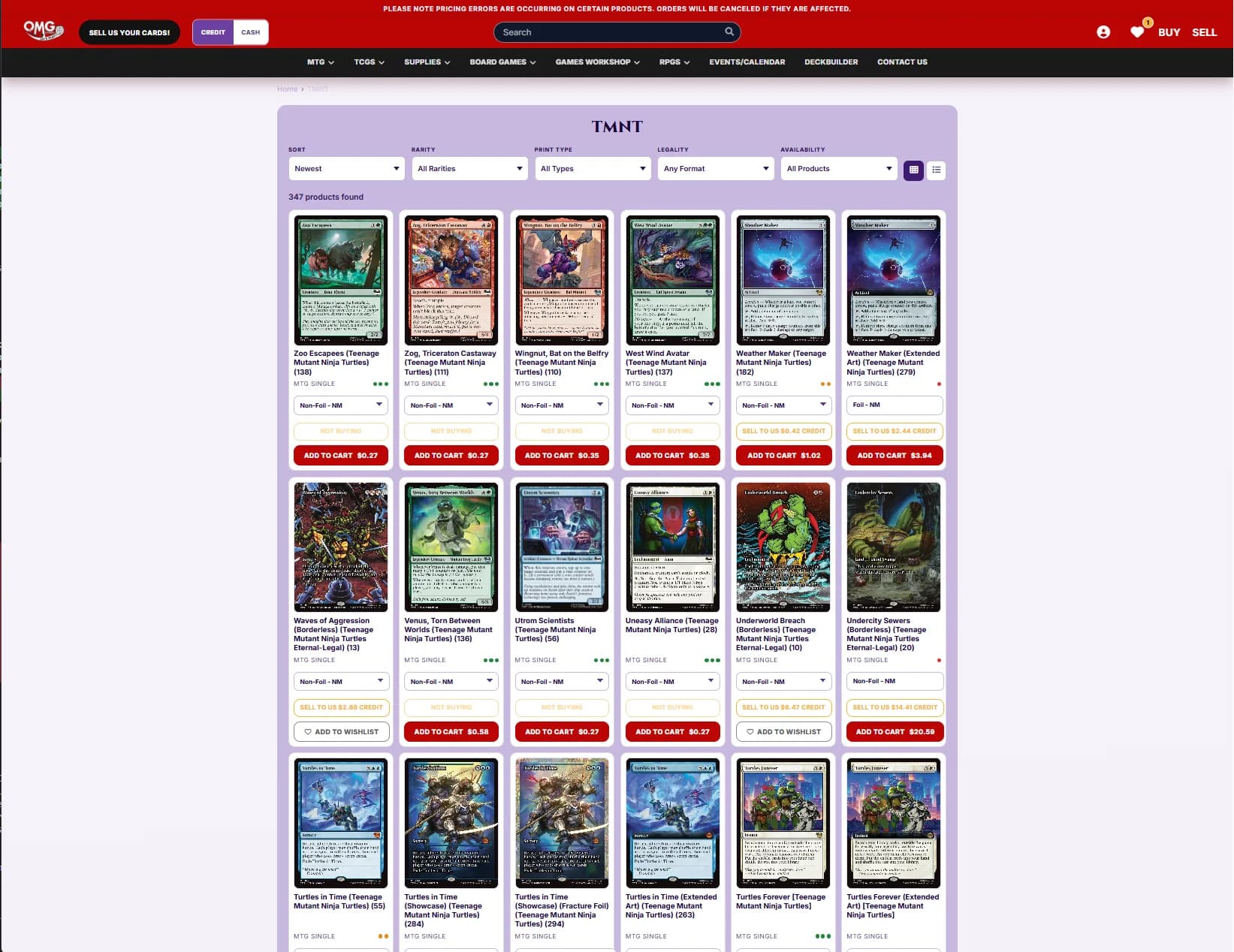
You set the rules: how much of market to pay, how conditions affect the rate, which rarities to accept. The buylist engine does the rest — across every submission, every day.
Set buy rates as a percentage of TCGplayer or Cardmarket market data. Different rates per rarity, condition, and catalogue.
Pay different rates for cash payouts vs store credit. Credit typically pays 20-30% more than cash.
Once a submission is approved, TCG Sync adds the store credit in Shopify and to the customer's balance.
Buylist rates auto-update against market data. You never overpay on a card that tanked overnight.
Review every submission, or set auto-accept thresholds for low-value or bulk submissions.
Customers paste decklists, import from MTGGoldfish, or upload CSVs. No one-card-at-a-time tedium.
Every hour a staff member spends quoting buylist by hand is an hour not spent selling. TCG Sync automates the quote, the acceptance, and the credit issuance.
Starting from$2,499USD per month
No setup fee and no sales percentage
Discuss Enterprise$1,000USD one-time setup
+ 2% of TCG singles and sealed sales across POS, Shopify and marketplaces — comics, board games, accessories, drinks, toys and other non-TCG items are excluded
Get started with Storefront ProLet’s discuss itScoped around your business
Scope and pricing agreed together
Let’s discuss itEmail us about your store and we'll take it from there.
Related topics, running on the same platform underneath.
The customer-facing side of the same system.
Where an accepted submission's payout lands and how it is spent.
Camera intake for bulk submissions and counter stacks.
Cash versus credit rates, defined.