Online and till buylist
Staff approve the trade-in, online or at the counter, then TCG Sync adds the credit in Shopify and to the customer's balance, with the payout history kept on their account.
TCG Sync keeps store credit as a balance on the customer account: issued when a buylist trade-in is accepted online or at the till, visible to staff during the sale, spendable across POS, storefront, events, and kiosk, and reportable as a liability — never a spreadsheet, a till note, or one staff member's memory.
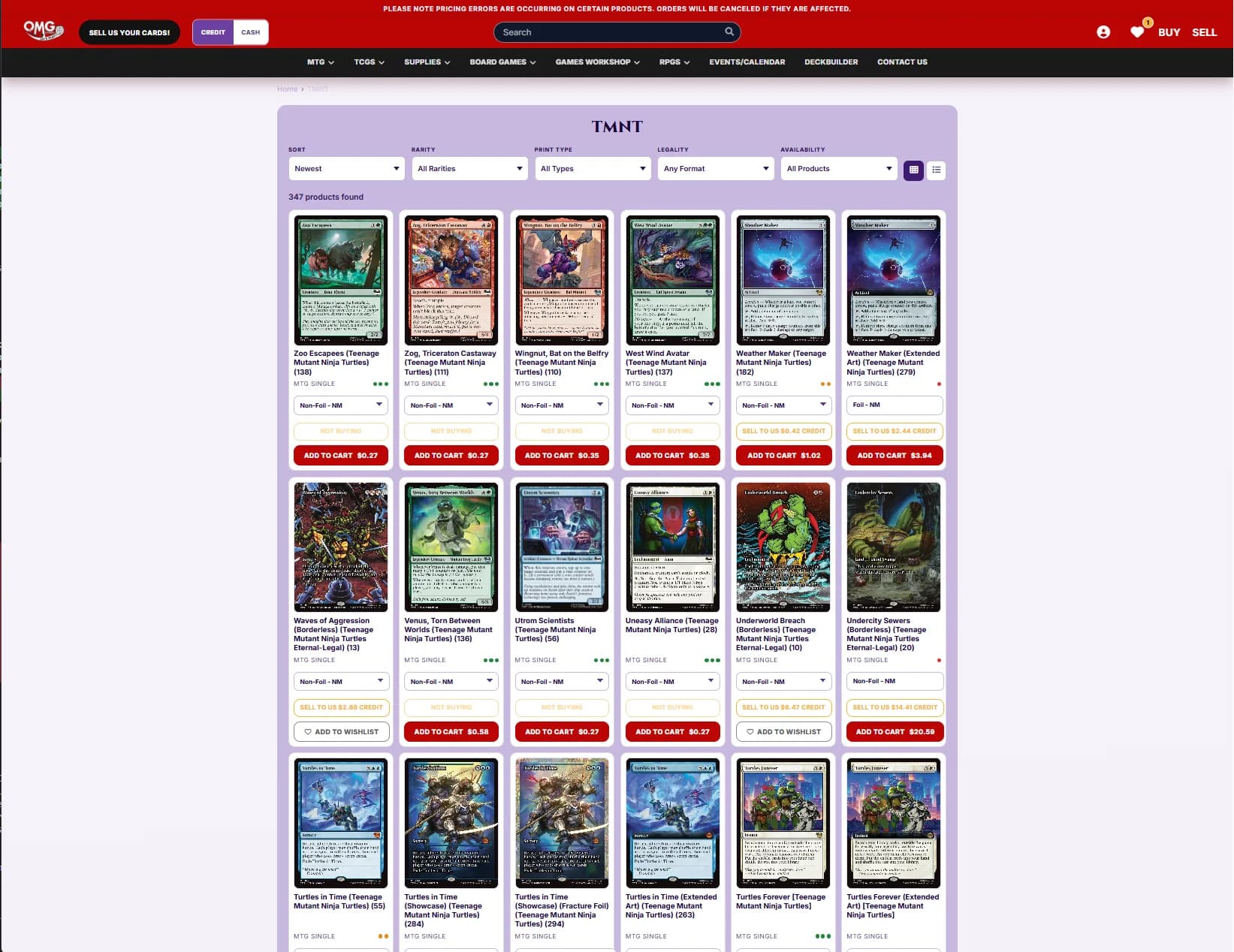
A customer brings in a stack of LP rares. Staff grades it, accepts the buylist, and issues credit. That credit can pay for sealed at the till, a pre-release ticket online, or an order from the storefront.
Staff approve the trade-in, online or at the counter, then TCG Sync adds the credit in Shopify and to the customer's balance, with the payout history kept on their account.
Stores can offer different cash and credit payout rules, including a stronger credit offer when that fits the shop's margin strategy.
Staff can see the customer balance during the sale, so credit is not trapped in a spreadsheet or dependent on one person's memory.
Gift cards are purchased value. Store credit is value you owe after trade-ins, refunds, or owner adjustments. TCG Sync keeps them distinct in the workflow.
Outstanding store credit is tracked as customer value the shop owes, so owners can review balances before close, migration, or reporting.
We bring existing store credit balances across during migration. No spreadsheet amnesty day, no asking regulars to prove what the old system owed them.
The customer does not need to understand your accounting. Staff need a clean path from intake to payout.
Enterprise and Storefront Pro include POS, buylist, credit, gift cards, and customer accounts in one system.
Starting from$2,499USD per month
No setup fee and no sales percentage
Discuss Enterprise$1,000USD one-time setup
+ 2% of TCG singles and sealed sales across POS, Shopify and marketplaces — comics, board games, accessories, drinks, toys and other non-TCG items are excluded
Get started with Storefront ProLet’s discuss itScoped around your business
Scope and pricing agreed together
Let’s discuss itEmail us about your store and we'll take it from there.
Related topics, running on the same platform underneath.
Enterprise and Storefront Pro pricing, with a worked example.
How migration handles credit, customers, and inventory.
Rules for retail prices and buylist rates.
Let customers start trade-ins before they reach the till.
Data ownership and independent platform strategy.
See POS, buylist, credit, and sync in one walkthrough.